Start here
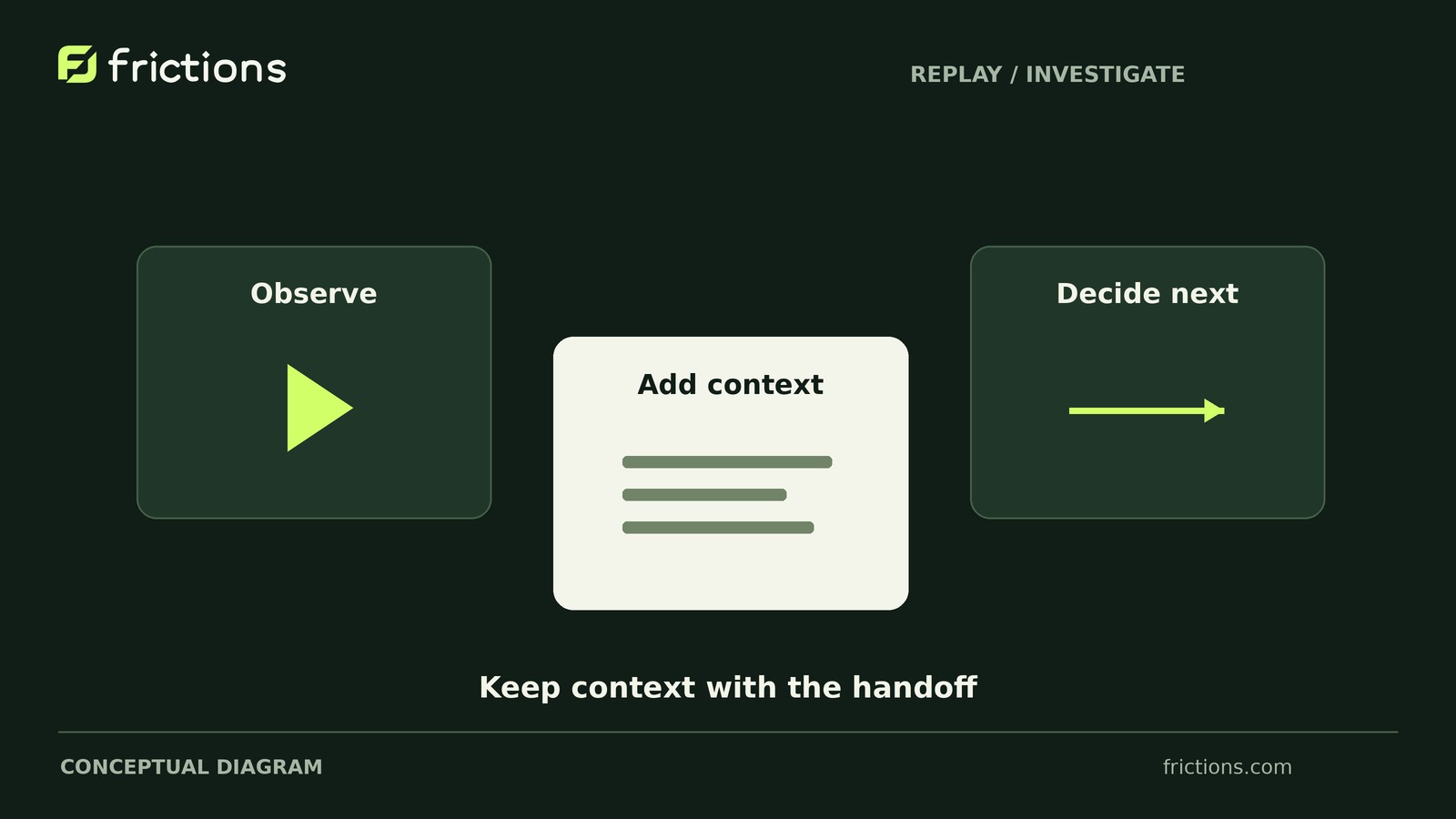
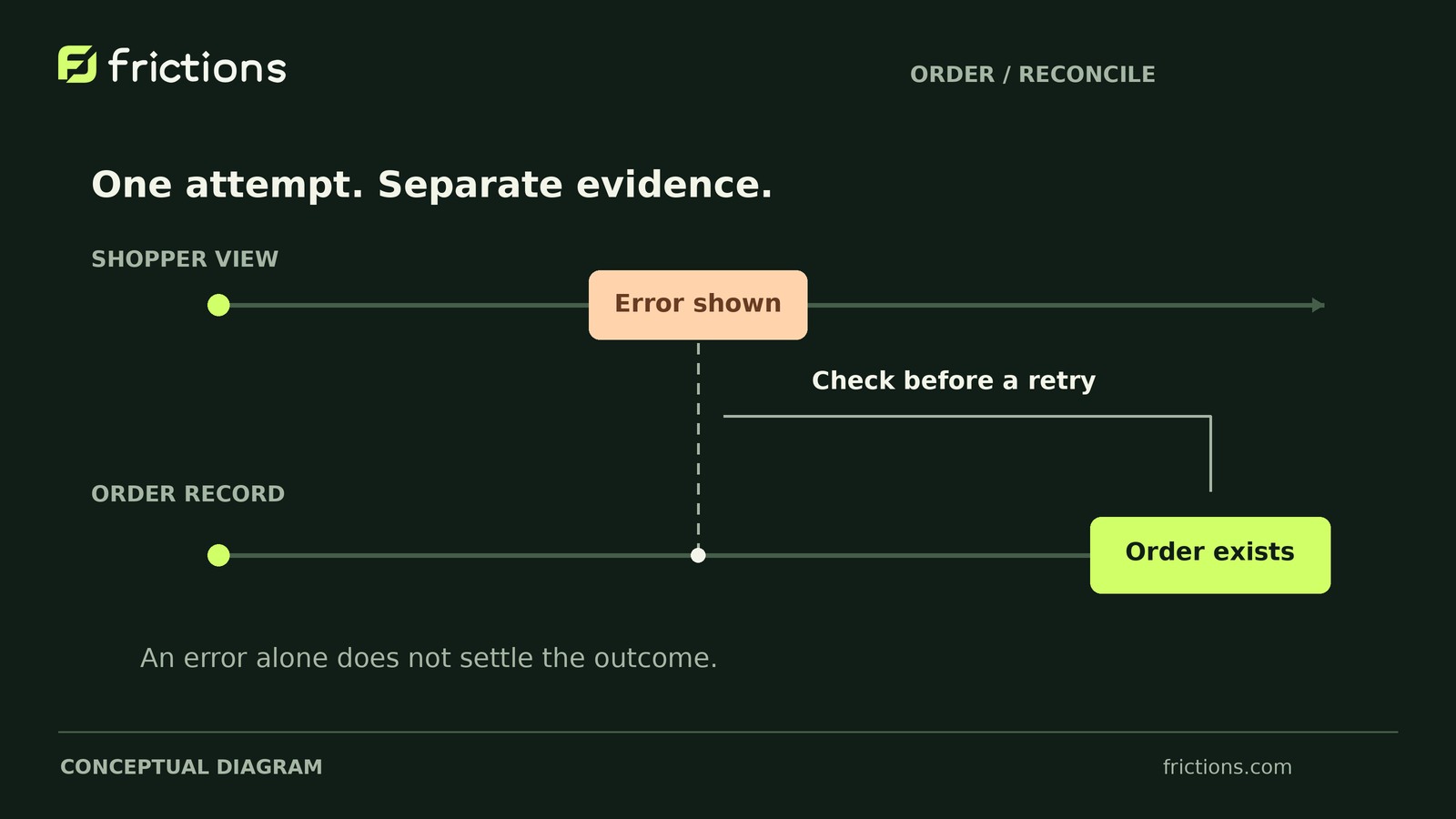
Do not assume the payment failed because checkout showed an error. Match the attempt to its WooCommerce order and payment-provider record before advising another payment. An order record alone does not confirm payment.
- Pause retry advice
Tell the shopper you are checking the payment state and give a next update time. Avoid asking for another payment while the first attempt is unresolved.
- Match the same attempt
Using authorized access, compare the order reference, amount, currency and timing with the gateway record. Keep customer and payment details out of shared notes.
- Read the provider’s state
Authorization, capture, failure and pending states mean different things. Use the payment provider’s definitions rather than guessing from the checkout message.
- Assign the next check
If the records conflict, ask the responsible store administrator or payment provider to investigate. Do not capture, refund or mark an order paid just to resolve an unclear screen.
Frictions can show the retained checkout sequence and observed errors. It is not a payment ledger and cannot confirm whether money moved. Review the payment records separately before choosing the next action.
Detailed procedure and working checklist
In this article 5 sections
Pause retry advice until the original payment attempt is reconciled. An order record does not confirm payment by itself; a checkout error does not prove that nothing was authorized or captured.
For payment methods that separate these steps, authorization generally approves an amount for payment without collecting it. Capture requests collection of the authorized amount. Use the gateway’s definitions to interpret its labels.
Review existing WooCommerce and gateway records without changing them, using authorized access. Do not mark the order paid, capture or refund funds, or request another payment just to resolve conflicting signals.
A holding reply could say: “We found an order record and are verifying the payment state. Please hold off on another payment attempt while we check.” Give a specific next update time without promising a resolution by then.
Match the attempt before interpreting its state
Look for the integration’s documented attempt references in order details or notes and authorized gateway records. Their availability and meaning vary by integration.
Match the specific attempt, not just the order. Multiple attempts may share an order reference. Nearby timestamps and equal amounts are not enough to establish a link.
If the link cannot be established, record payment state unknown for this attempt. Do not substitute the closest-looking gateway entry.
Let the evidence determine the next action
Use the actual gateway’s state definitions and retry guidance:
- Captured or completed: If the matched record confirms payment completion for this purchase under the gateway’s definition, do not recommend another payment. Use the integration’s documented reconciliation procedure or contact its support team.
- Authorized but not captured: Resolve what should happen to the existing authorization before proposing a fresh attempt. Do not capture or cancel it as a diagnostic experiment.
- Matched pending or processing: Follow the gateway’s documented confirmation or recheck process. There is no universal waiting period; elapsed time alone does not prove failure.
- Unmatched: Escalate missing access or attempt linkage to an authorized reviewer. The payment state remains unknown for this attempt; waiting alone will not establish a match.
- Failed or declined: Confirm the label applies to the matched attempt, resolve any related active or uncertain payment records, and follow the gateway’s retry guidance. The label is not automatic permission to retry.
Worked example: a single-attempt reconciliation note
Use the fields below as a restricted case record. This completed example is entirely hypothetical: one staging submission with fictitious customer details, sandbox payment inputs, and live payments and real fulfillment disabled.
All example times are UTC on one illustrative day. In your case, record dates, source timezones and checked-at times. Label missing times unknown and estimates approximate. Keep original references restricted; use aliases in shared copies.
- Sources and checked-at time: The reviewer inspects the tester’s browser notes, WooCommerce order record and sandbox gateway record at 09:12 UTC.
- Browser event: The tester’s notes report one Place order selection at 09:10:00 and the invented message “Payment could not be completed” at 09:10:08.
- Order event and current state: Test order A was created at 09:10:02. At review, it is Pending payment, and an order note contains an attempt reference.
- Gateway event and current state: Test payment A has an Authorized event at 09:10:03 and remains Authorized at review.
- Match basis: The order note and gateway record share the attempt-level reference designated by the fictional integration’s documentation. “Attempt A” is its alias here.
- Definition consulted: Assume the fictional gateway’s documentation says Authorized confirms approval only, with capture as a separate step. It does not confirm captured payment.
- Confirmed versus unresolved: The synthetic sources show an error, an order and a matched authorization. Capture, later outcomes, expected order status and the error’s cause remain unconfirmed.
- Next action, reviewer and update: Reviewer A, the authorized payments lead, will check the documented next step for the authorization and expected order state, escalating if unclear. No retry advice yet; next shopper update: 09:20 UTC.
In this example, Pending payment does not negate the matched authorization. That authorization does not justify marking the order paid from this note alone, and the sequence does not establish why the browser showed an error. Your gateway may use different labels or combine payment steps.
Investigate separately, then verify the result
A new staging attempt cannot confirm the original payment’s state. Treat reproduction as a separate investigation.
Reuse a sanitized copy of the note for the handoff, adding documented expected behavior—or an explicit question if it is unknown. Omit customer details, payment data, tokens, credentials and copied private records. Authorized reviewers can consult originals through restricted access.
Before a new test, verify the staging setup uses fictitious customer details, sandbox credentials and gateway-provided test inputs. Verify that live payments and real fulfillment are disabled. Record checkout type, relevant versions and payment configuration without secrets. Make one deliberate submission rather than repeated clicks.
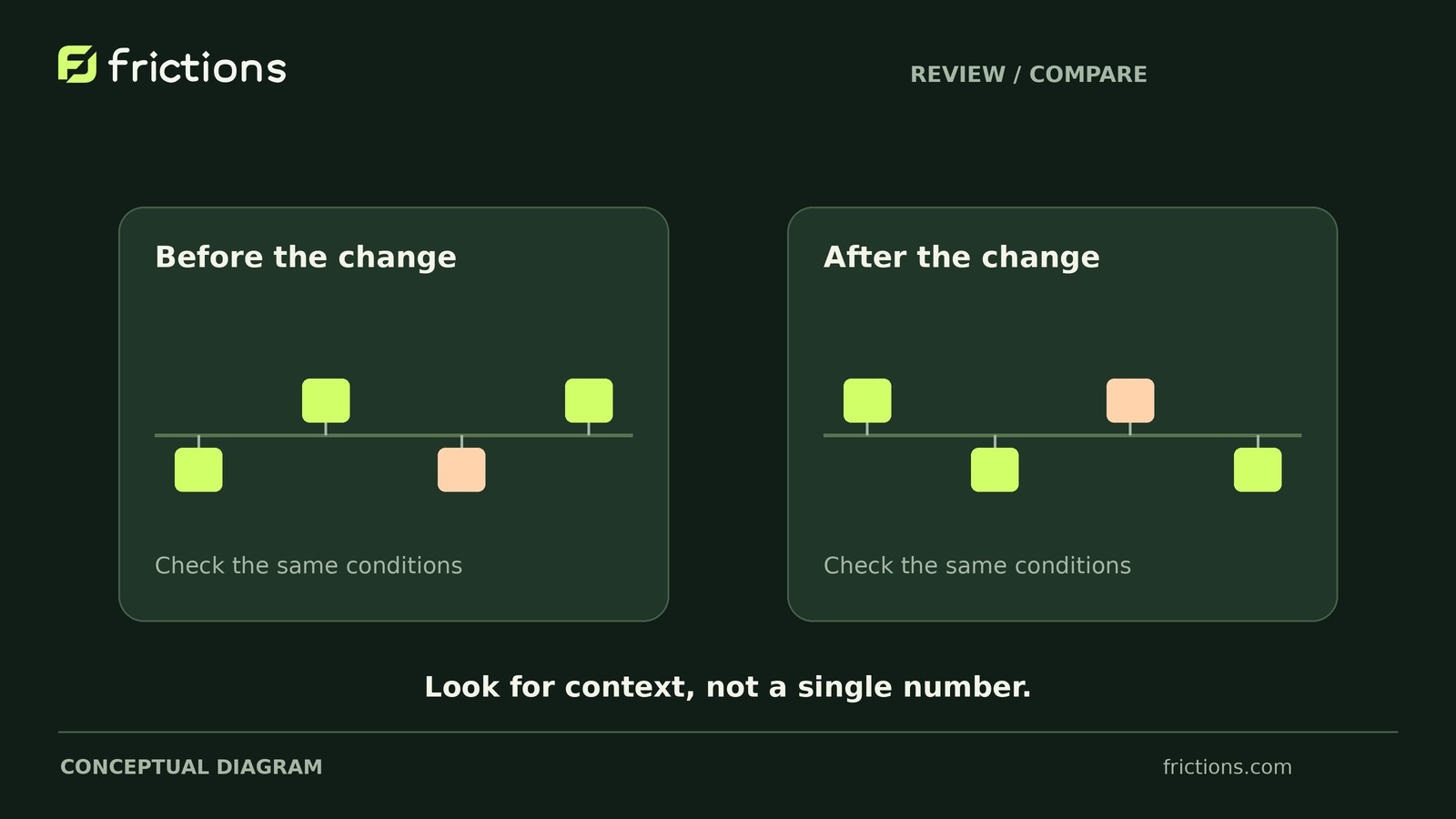
If a change follows, repeat the same staging conditions with a fresh sandbox attempt. Compare browser feedback, order status and notes, and matched gateway state against documented expectations. An error disappearing does not establish the original cause or guarantee behavior in other configurations.
Finish with an assigned follow-up
Send the holding update by that time even if the payment outcome is still unresolved.